Why Your XML Feed Gets Rejected (And How to Fix It)
Skroutz and BestPrice reject feeds for the same handful of reasons every time. Find and fix the broken tags, missing fields, or formatting errors before they cost you a listing.
Edit XML Free →Common Reasons Skroutz & BestPrice Reject XML Feeds
- Missing required fields — Skroutz and BestPrice both require specific tags like
<id>,<availability>,<price>, and<brand>. A single missing or empty tag can invalidate the whole feed. - Invalid or unescaped characters — Raw
&,<, or>characters inside product titles or descriptions break XML parsing. These need to be escaped or stripped. - Wrong encoding — Feeds not declared or saved as UTF-8 often show broken Greek characters, which triggers rejection.
- Duplicate or inconsistent product IDs — Every
<id>must be unique across the whole feed; duplicates get flagged during validation. - Incorrect price or stock formatting — Prices with currency symbols, commas instead of periods, or missing decimal points are a common cause of silent rejections.
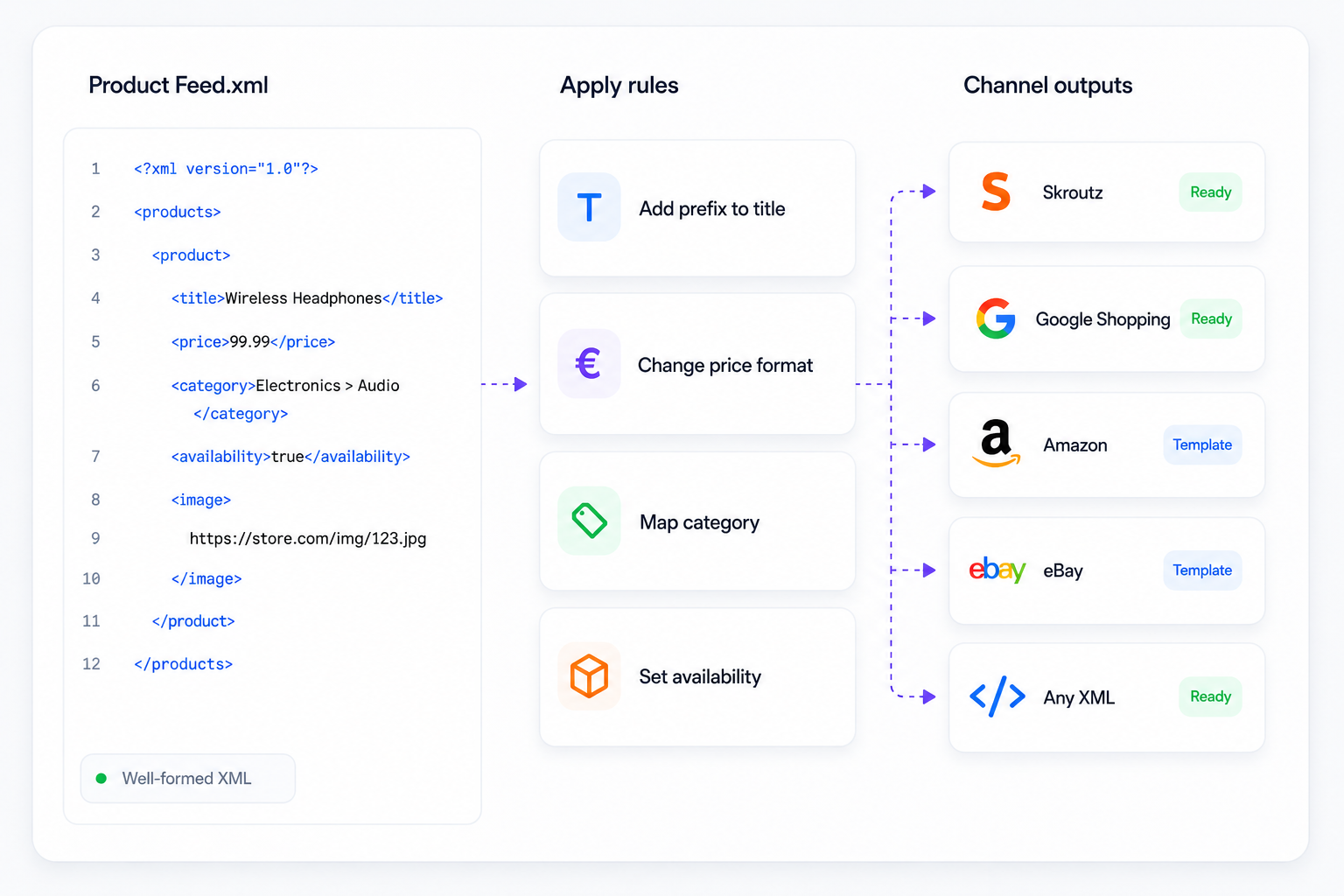
Paste your feed into NodeXML to spot broken tags, missing nodes, and encoding issues visually — then fix them directly without exporting your catalog again.
Fix Feed Errors Without Guesswork
- See malformed tags and structural issues highlighted directly in your XML — no manual line-by-line scanning.
- Fix bad characters, wrong tag names, or formatting mistakes across the entire feed in one click.
- Instantly see which required fields are missing or empty before you resubmit to Skroutz or BestPrice.
- Export a corrected, marketplace-ready file the moment your fixes are done.
Frequently Asked Questions
Q: Why does Skroutz reject my feed even though it opens fine in a browser?
A: A feed can be well-formed XML but still fail marketplace-specific validation — missing required tags or wrong formatting (like price decimals) are the usual cause.
Q: How do I fix encoding issues with Greek characters?
A: Make sure your feed is saved and declared as UTF-8. NodeXML detects and fixes encoding mismatches automatically when you upload your file.
Q: Can I check my feed before submitting it to Skroutz or BestPrice?
A: Yes — paste or upload your feed into NodeXML’s free editor to preview it, check required fields, and fix errors before resubmitting.