
Back to all posts
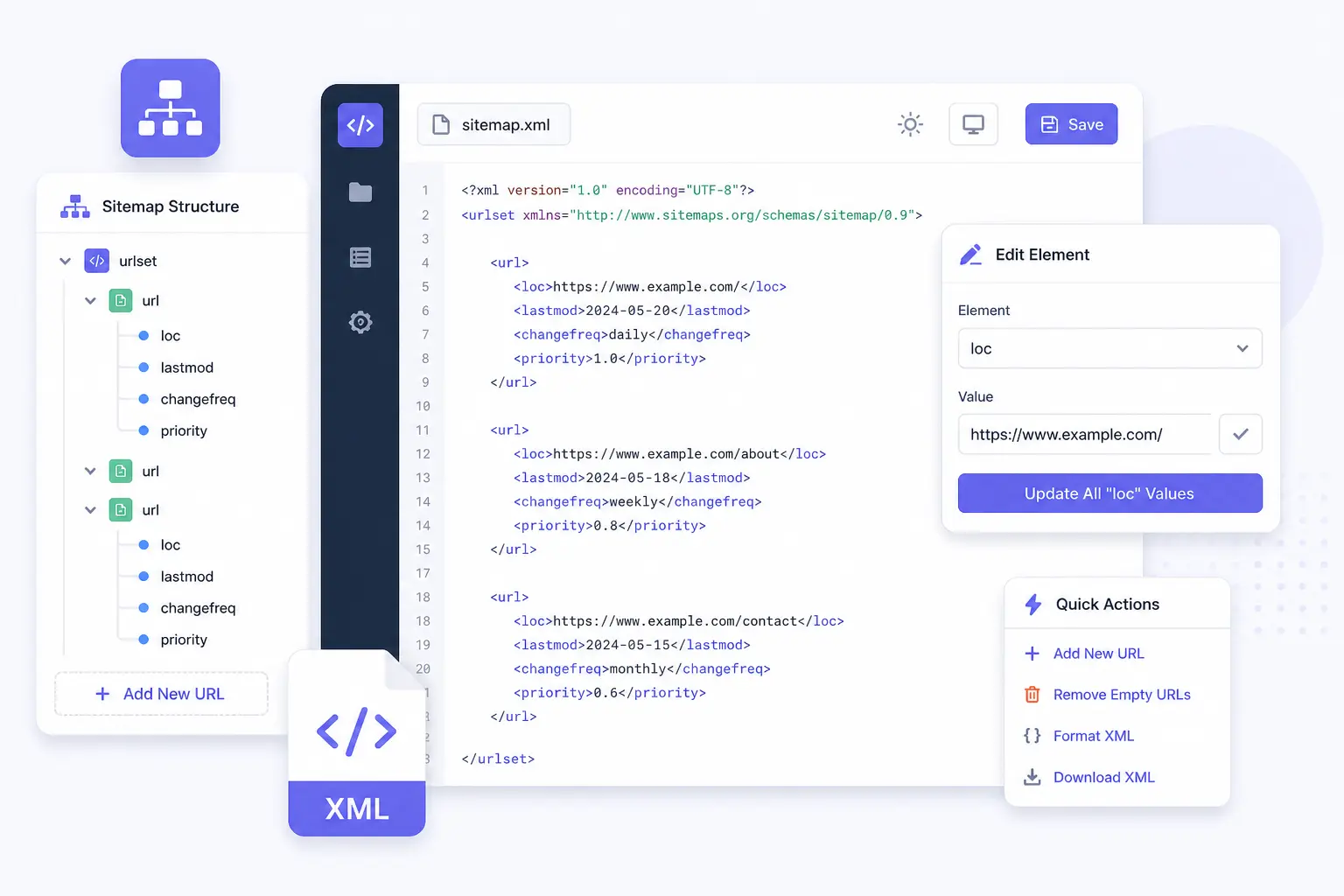
Edit Your Sitemap.xml Online – Instantly
Clean, fix, and validate your sitemap.xml files without writing any code. Paste or upload your file and edit nodes visually using NodeXML.
Try Sitemap EditorHow to Edit a Sitemap.xml File in Your Browser
- Click “Try Sitemap Editor” to launch NodeXML.
- Paste your sitemap XML or upload a file.
- Use the visual editor to rename tags, delete nodes, or fix hierarchy.
- Click “Export” to download the cleaned XML.
NodeXML supports GZIP, image, and video sitemap types as well.
Why Use NodeXML for Sitemap Editing?
- Edit any XML visually – no coding
- Detect broken or malformed tags automatically
- Works on sitemap, image, and news formats
- No software to install – 100% in browser
- Instant preview + export to valid sitemap
Frequently Asked Questions
Q: Can I validate my sitemap with NodeXML?
A: Yes, NodeXML shows you invalid tags and allows structure validation before export.
Q: Does it support image or news sitemaps?
A: Absolutely – NodeXML supports custom and Google-structured sitemap extensions.
Q: Will my data be saved?
A: No, your XML is processed only in your browser – nothing is stored or uploaded to a server.