
Back to all posts
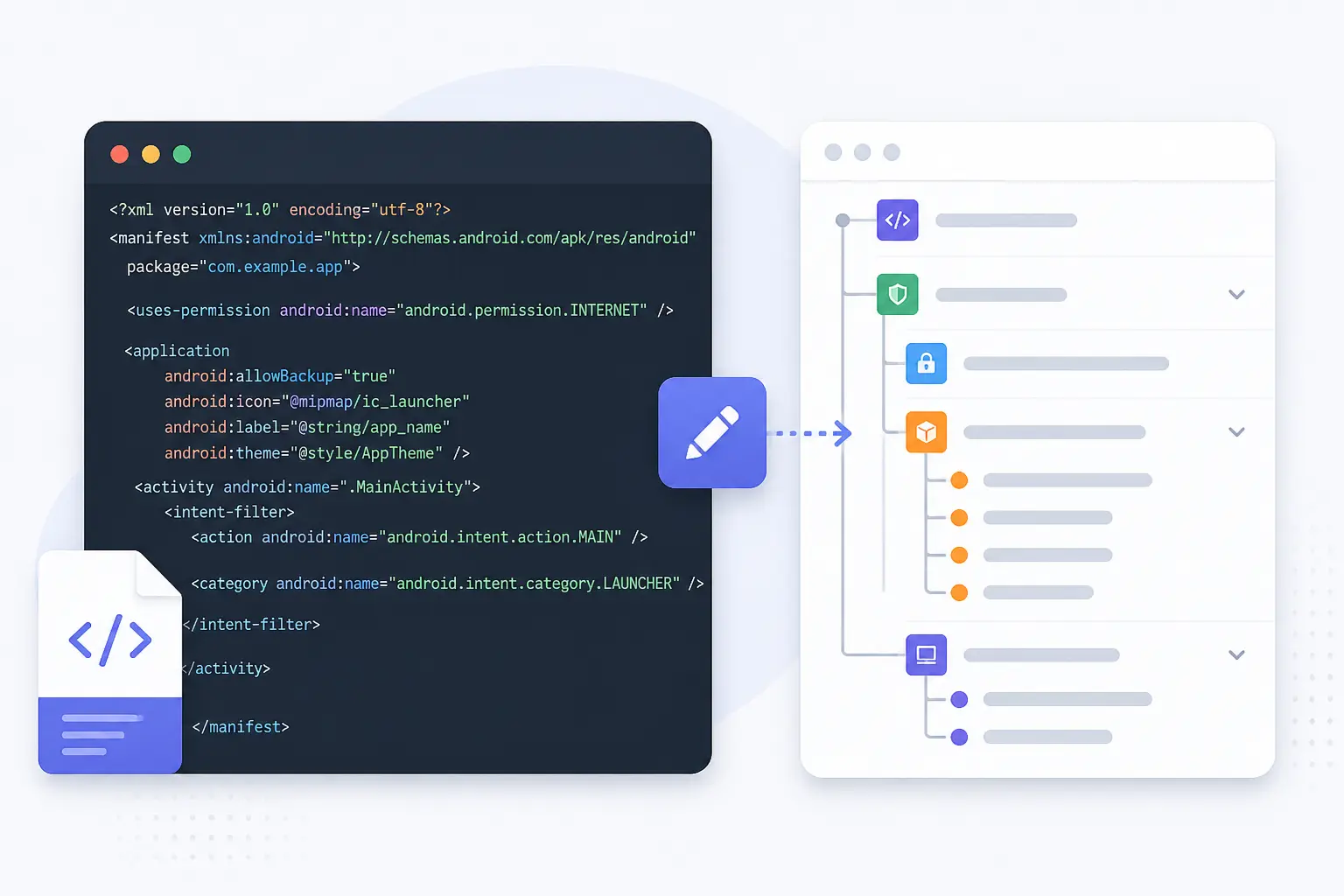
Edit AndroidManifest.xml Online – Free Visual XML Tool
Instantly open, inspect, and modify your AndroidManifest.xml file without Android Studio. Use our no-code editor to update permissions, intents, and structure.
Try AndroidManifest EditorHow to Edit AndroidManifest.xml with NodeXML
- Click “Try AndroidManifest Editor” to open the tool.
- Paste your XML or upload your AndroidManifest.xml file.
- Visually edit permissions, intents, or attributes like `android:exported`.
- Export the modified XML back to your project.
This tool helps developers working outside of Android Studio or debugging production builds.
Key Features for Android Developers
- Modify manifest permissions visually
- Add or remove and tags
- Works without Android Studio
- Fix structure and tag errors instantly
- Export valid AndroidManifest.xml file
Frequently Asked Questions
Q: Can I fix invalid or malformed manifest files?
A: Yes, NodeXML lets you remove broken tags, fix nesting, and restructure your manifest easily.
Q: Does this replace Android Studio?
A: It’s ideal for quick edits, review, or repair – especially when Android Studio is unavailable.
Q: Is my file stored online?
No, all XML processing is done in-browser for privacy and speed.