How to Change All Prices in an XML Product Feed
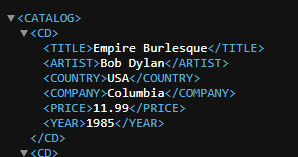
Managing product feeds can quickly become frustrating when you need to update pricing across hundreds or thousands of items. Editing each node manually is not only slow, but also error-prone. If you're working with WooCommerce, Google Merchant feeds, or supplier XML files, you’ve probably hit this problem already. Why this is difficult XML feeds are structured, not visual. That means: Prices are buried inside nested nodes Bulk editing requires scripting or regex One mistake can break the entire feed
XML Product FeedThe easier way (no coding)
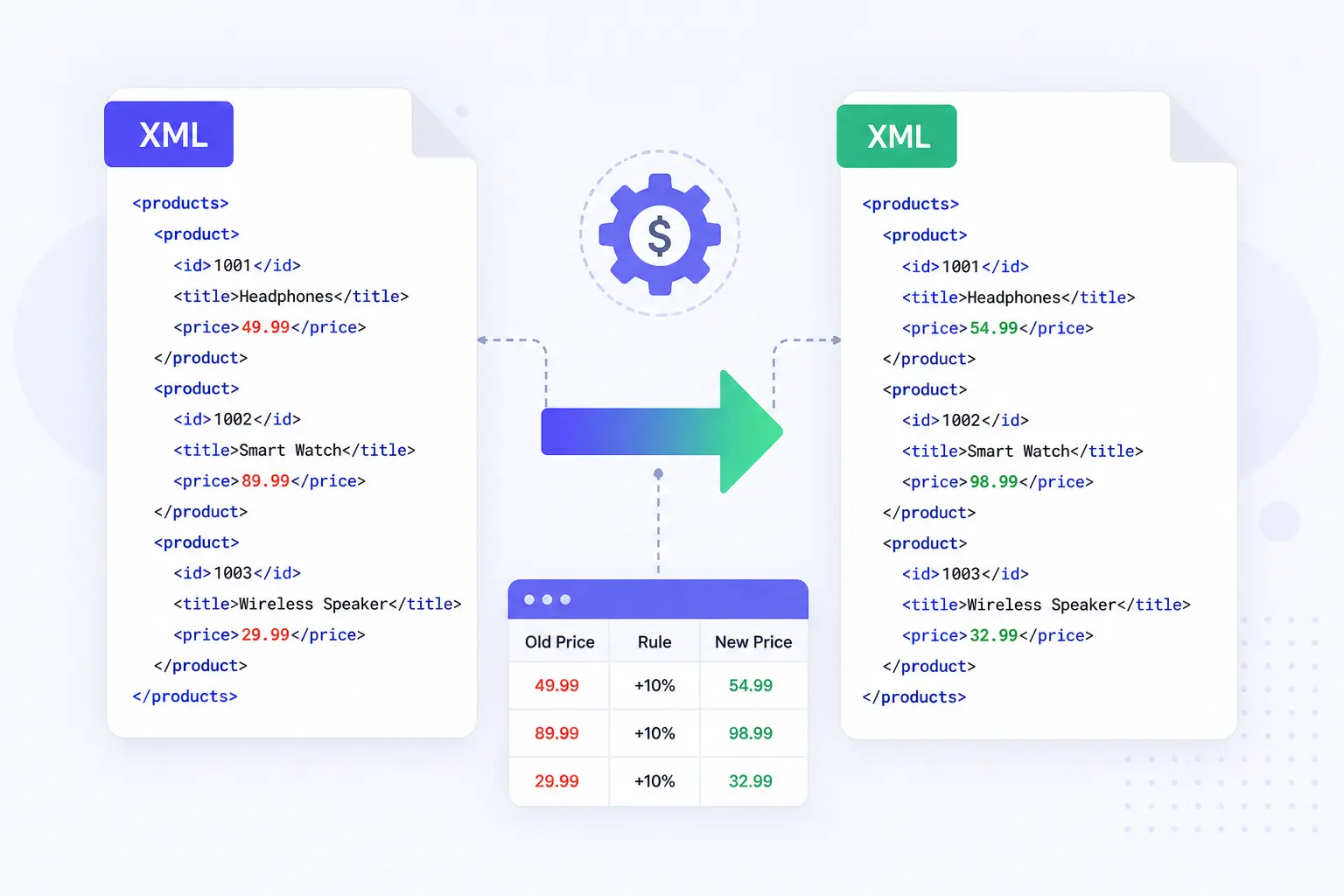
Instead of editing each product manually, you can apply a rule to all price nodes at once.
Tools like NodeXML allow you to:
- Target all fields
- Apply transformations globally
- Export a clean, updated XML file
- Step-by-step guide
- Export your updated feed
- Upload your XML feed
Add an XML file or a url of XML.
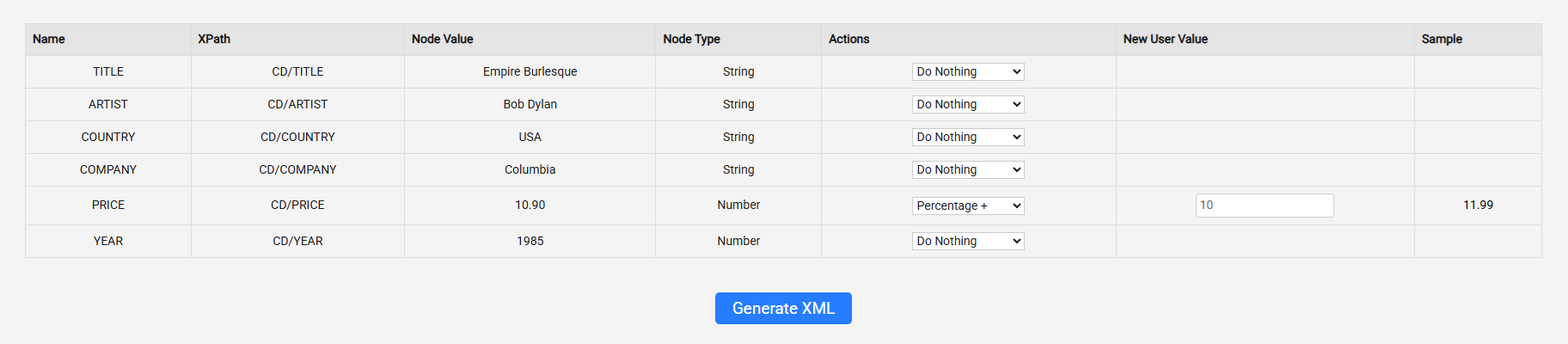
Find the price, and add an action (10% percenatage up!).
You get sample, example of what the outcome will look like (the sample is only visible for the first node)
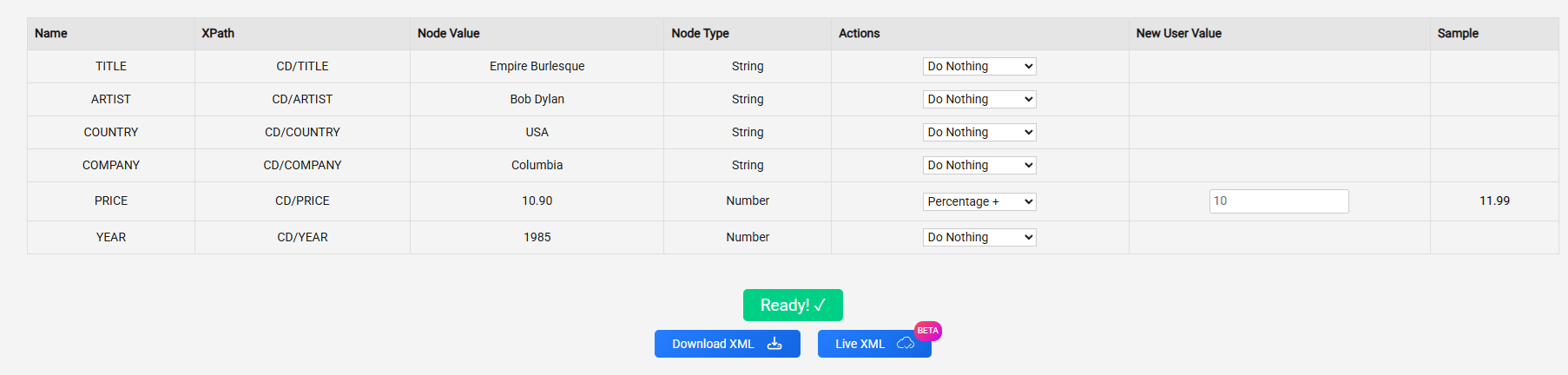
You can either download the update xml or take the new url by clicking the “live xml” button
Important before you leave:
Can I change all prices in an XML feed at once?
Yes. You can target all price nodes and update them in one action instead of editing each product manually.
What node should I edit to update prices?
Most feeds use or . You just need to select the correct node and apply your changes.
Can I replace all prices with a fixed value?
Yes. You can overwrite all price values with a new number if needed.
Is this safe for Google Merchant or other feeds?
Yes, as long as the format remains valid (e.g. currency included where required).
Do I need coding skills to update XML prices?
No. You can use a visual tool to apply changes without writing any code.