
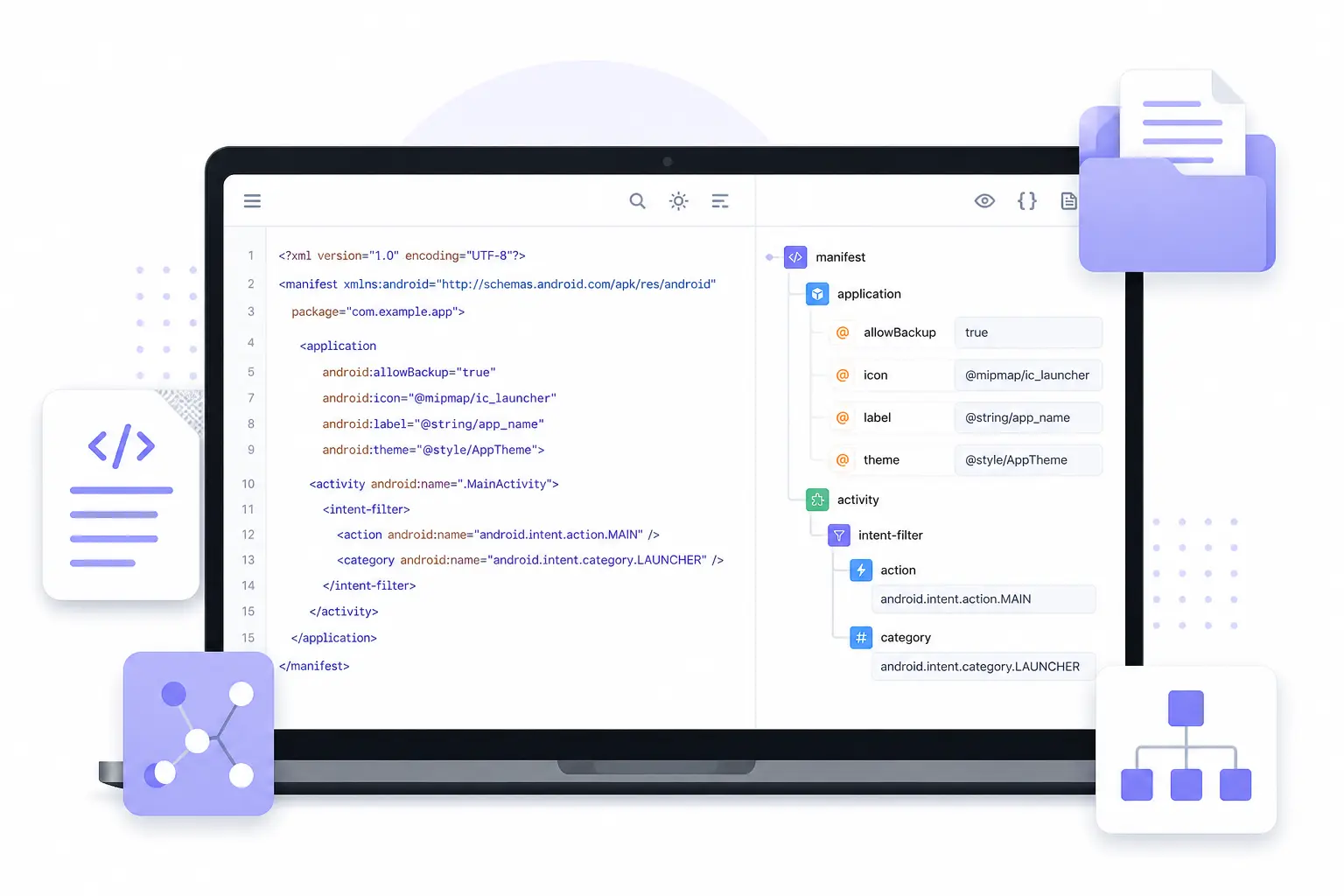
Edit Apple App Site Association File Online
Easily edit your Apple App Site Association (AASA) file using a visual editor. Fix Universal Links, App Clips, and deep linking configuration with no coding required.
Open AASA File EditorHow to Edit Apple App Site Association Files
- Click “Open AASA File Editor” above to launch the visual editor in your browser.
-
Paste your existing
apple-app-site-associationfile or upload it directly from your computer.
The editor instantly parses the structure and highlights any formatting issues. -
Visually edit sections such as
<applinks>,<details>, app identifiers,
and path rules without manually touching raw syntax. - Validate your configuration to ensure it meets Apple’s strict Universal Links and App Clips requirements.
- Export a clean, production-ready AASA file and deploy it safely on your server.
This tool helps you configure Universal Links, App Clips, and secure app-to-web deep linking without risking broken associations or silent Apple validation failures.
If you are also working with Android app configuration files, you may want to use our AndroidManifest.xml Editor to manage permissions, activities, and intent filters visually.
Why Use NodeXML for Apple App Site Association?
- Visual editing for Apple App Site Association structure
- Modify applinks, app IDs, and paths safely
- Preserve required attributes and hierarchy
- Prevent invalid or malformed configuration
- 100% browser-based – no Xcode or CLI tools required
Frequently Asked Questions
What is an Apple App Site Association file?
It’s a configuration file used by Apple to enable Universal Links, App Clips, and secure deep linking between websites and iOS apps.
Can I fix broken Universal Links with this tool?
Yes – NodeXML helps you correct structure and values that commonly break Universal Links.
Does this support multiple apps and paths?
Yes – NodeXML supports editing multiple app identifiers and path rules within the same file.
Is this file validated automatically?
Yes – NodeXML highlights structural issues so you can fix them before deploying.