Edit OpenSearch XML Description Files Online
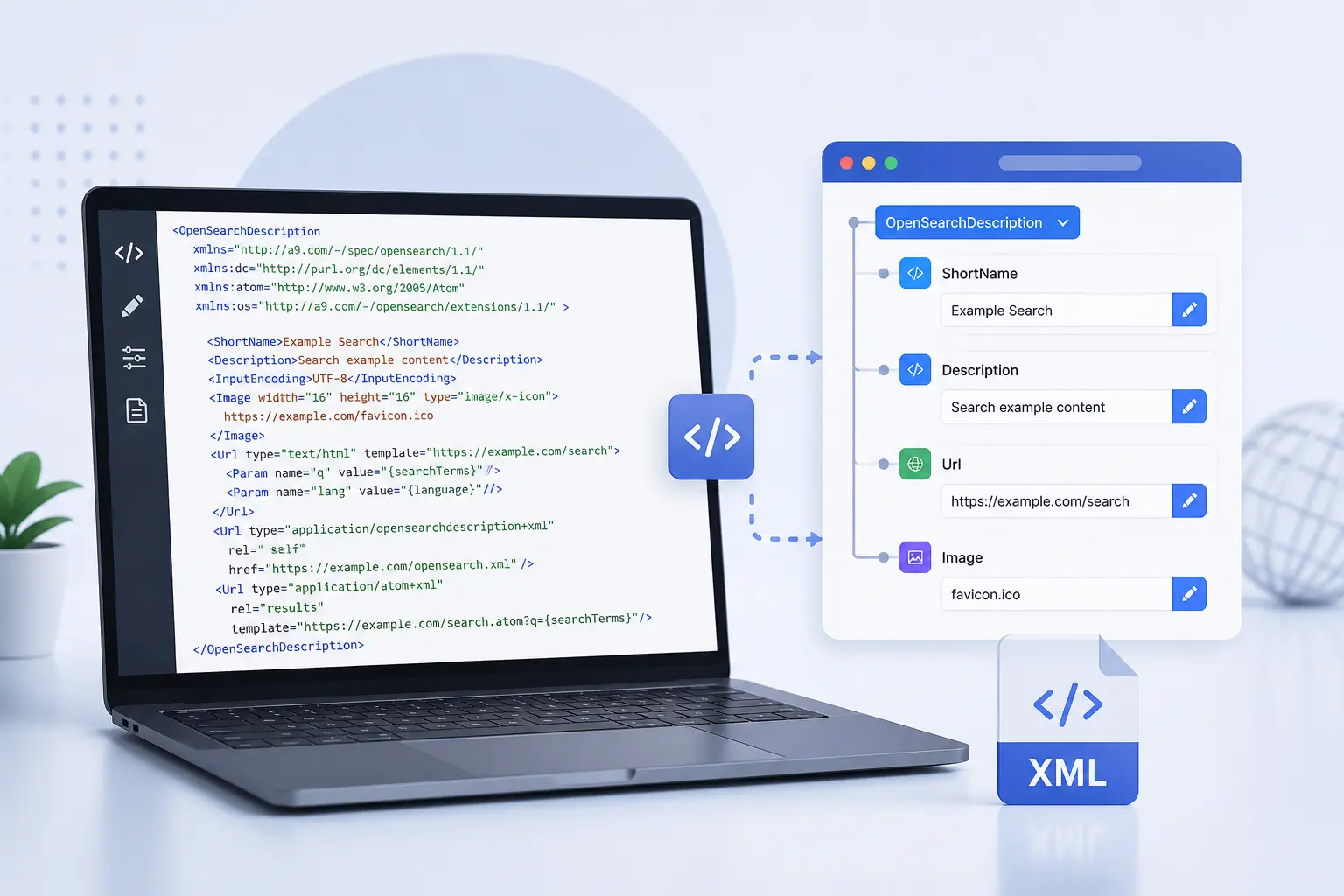
Easily update your OpenSearch .xml description files using our visual editor. Modify search templates, URLs, tags, and metadata with no coding required.
Open OpenSearch EditorHow to Edit OpenSearch Description Files
- Click “Open OpenSearch Editor” above.
- Paste or upload your `.xml` description file.
- Edit elements like “, “, and `template` attributes.
- Export a clean, valid XML file for your OpenSearch integration.
Use this to update search integration for custom apps, browsers, or APIs.
Why Use NodeXML for OpenSearch?
- Visual editing for structure
- Modify ShortName, Description, and search URL templates
- Ensure valid tag structure and nesting
- 100% browser-based – no installs or setup
- Great for developers and browser extension creators
Frequently Asked Questions
Q: What is OpenSearch XML?
It’s a description file used by browsers and apps to define custom search engines.
Q: Can I fix malformed OpenSearch XML here?
A: Yes – NodeXML automatically detects and highlights structural issues for repair.
Q: Do you support namespace prefixes?
A: Yes, NodeXML correctly preserves OpenSearch XML namespaces and attributes.